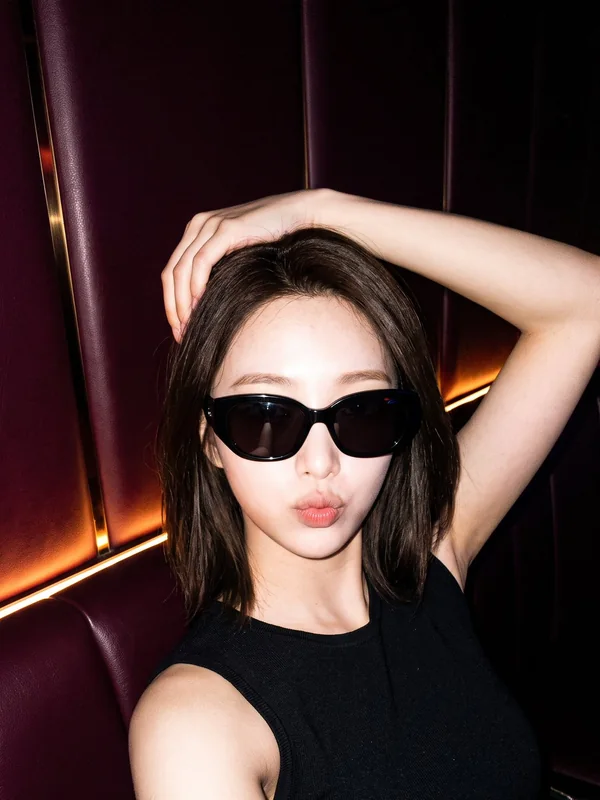
AI porn images
Turn a written idea into a private image. Describe the fictional adult character, setting and visual style, then choose the available image options. Start with the eligible trial or review the current paid quote before submitting.
 MadeScene
Private AI porn workspace
Create, edit, enhance and chat in one account
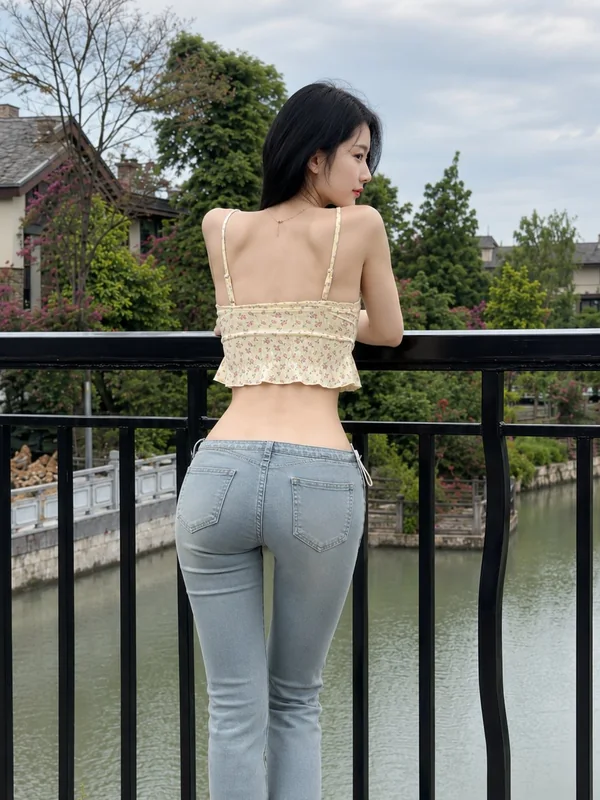
MadeScene
One private account for your AI porn images, videos, chats and voice creations. Pick up saved work, review your balance and keep account controls close at hand. Not ready to sign in? Start with one eligible free image.
A fashion portrait shown for visual inspiration. Explore the tools below and review the available controls for your chosen creative direction.
Continue with Google. MadeScene creates its own encrypted browser session and never receives your Google password.
No login is needed for the eligible image trial. Other tools and paid settings have their own access requirements.
Adults 18+ only. Logging in does not publish your uploads, chats, or generated results.
Explore these existing tools before signing in. Each destination explains its inputs, available settings and current access rules. The examples show fictional adult characters; they are illustrations of a workflow, not a promise that every result will look identical.
Turn a written idea into a private image. Describe the fictional adult character, setting and visual style, then choose the available image options. Start with the eligible trial or review the current paid quote before submitting.
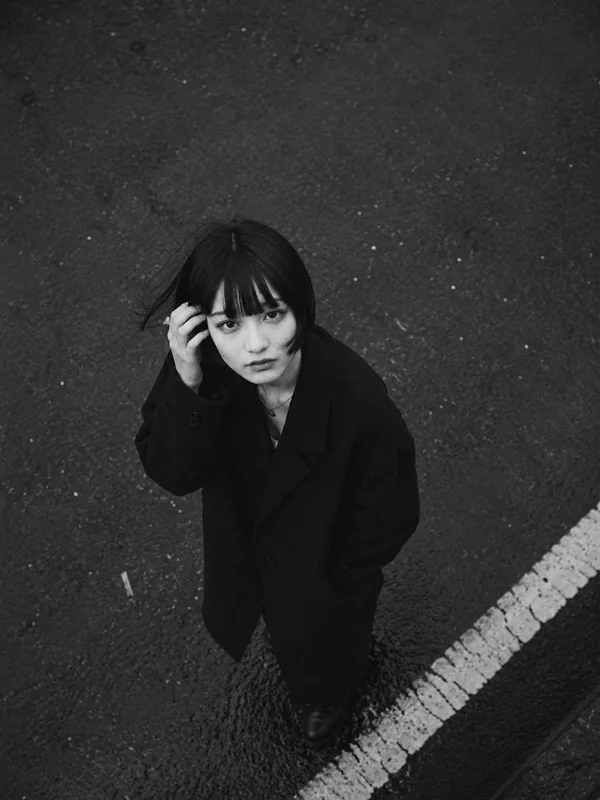
Build a short scene from text, or animate a permitted source image using the image-to-video mode. Check the input requirements, available duration and resolution on the tool page. Your chosen settings determine the quote.

Start from an image you are entitled to use and describe the change you want. Editing has its own workspace so you can review the source and instructions together before committing to a new result.
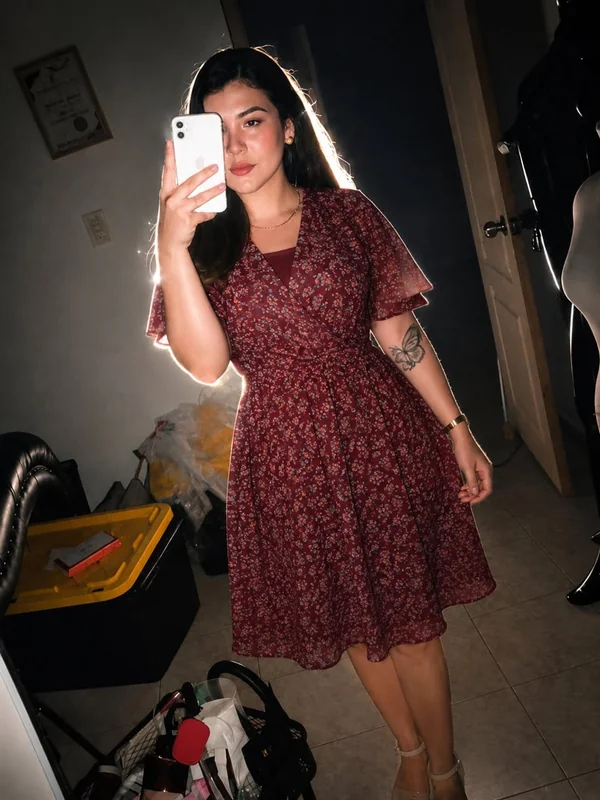
Explore the dedicated image face-swap workflow with permitted adult source material. You must have the necessary rights and explicit consent for any real-person likeness. A supplied photo never establishes those permissions on its own.
Prepare a permitted image for a larger output with the image upscaler. Review the supported input dimensions and available enlargement choices first.

Choose a fictional adult character and continue a private conversation. Signing in connects eligible saved chats to your account so you can return later. Characters are AI experiences, not real people or professional advisers.
Generate private character audio from an eligible saved assistant reply after signing in. Open the reply’s voice action and review its current quote first.
Uploads, saved chats and generated media stay behind controlled account access rather than public file listings. Choosing to publish a character is a separate action. Avoid including identifying or confidential information that you do not need for your creation.
You must be at least 18 and meet the age of adulthood in your jurisdiction. All characters and depicted participants must be adults. Confirming access does not remove the site rules or make prohibited material acceptable.
You are responsible for your prompts, uploads and results. Do not use someone else’s likeness for sexual content without explicit consent, and do not upload material you lack the rights to use. Read the rules before choosing a source image or video.
Account controls provide a private data export and an account-deletion process. Some cleanup can continue in the background, and limited records may be retained as explained in the privacy notice. Deletion is not a promise of immediate erasure from every processing system.
Your account brings current access, balance and order history together. Available plans and payment methods are shown on the pricing page. Paid creation uses the quote for the selected tool and settings; signing in alone does not buy a plan or submit a paid job.
See the pricing page for current prices and available payment methods, and review the refund terms before confirming a purchase.
Compare current plansUse the Google sign-in control above and choose the account you want to use for MadeScene. Google handles its own authentication; MadeScene does not receive your Google password. After confirmation, the site opens your private browser session and returns you to the intended page.
Try the Google account associated with your previous MadeScene activity. A different Google account may open a different MadeScene account. If you cannot access Google, use Google’s account-recovery process first. For a site-specific access issue, use the public contact page without sending passwords or recovery codes.
Yes. The image tool offers one eligible free image without login. Open the trial link to review its current availability and requirements. That image trial does not mean every tool, setting or future generation is free. Sign in when you want to use the account features available to you.
Yes. After signing in, open your account controls to request a private export or follow the account-deletion steps. Active work or a non-terminal subscription can prevent immediate deletion. Private-storage cleanup may finish later, while limited transaction and other required records can remain under the privacy notice.
No. Ending access does not by itself reverse a completed payment. Review the refund policy for the applicable process and use your order reference when requesting help. A payment issue needs verification; neither a browser return page nor a support request proves that a refund has been completed.
Signed-in members can open a private support request and return to follow the response. If you cannot sign in, use the public contact page. Explain the issue and include a relevant order reference when needed, but never share passwords, API keys, wallet recovery phrases or private media.