No Limits to Your Creative Direction
Explore a fresh background, mood or style by describing the change you want in plain language.
 MadeScene
Private AI porn workspace
Create, edit, enhance and chat in one account
MadeScene · 18+
Bring out the best in your permitted image. Describe a new background, pose, object, text, clothing or visual style, and name the details you want to keep.
Refine your best imageAdult image editing requires sign-in and an eligible active paid plan. The live quote is shown before a billable edit starts.
Change the background to a bright studio with soft window light. Keep the adult subject, face, clothing, pose and framing unchanged.
Editable starting text. Using it does not generate media or spend credits.
Full settings, current generation prices, upload controls, and private history load when you open the studio.
About this tool
The AI Porn Image Editor in MadeScene applies natural-language changes to one to three permitted adult source images. The prompt can identify both the requested edit and the faces, poses, objects, or composition that should remain unchanged.
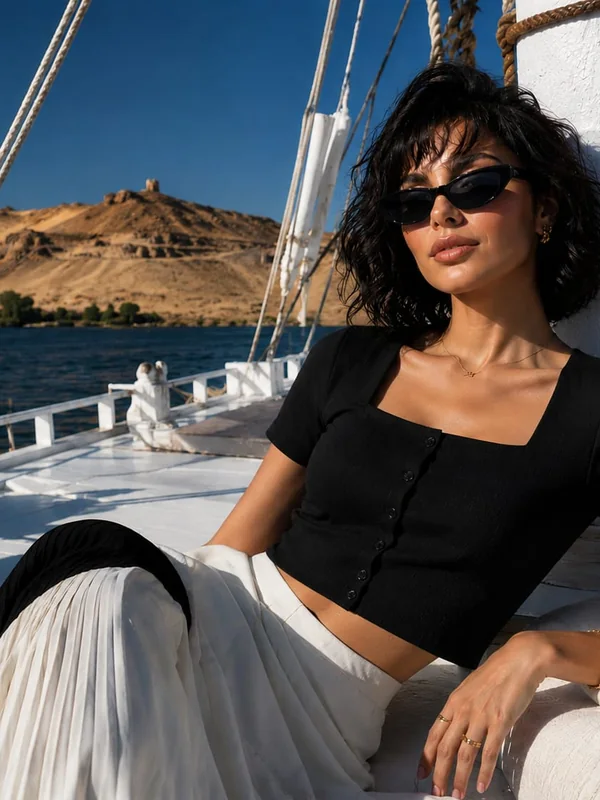
Editorial inspiration, not generated output examples.
Add one to three permitted adult images you own or have permission to edit.
Say what to change and explicitly name the details to preserve.
Select JPEG, PNG, or WebP, review the quote, and create the edited image.
Explore a fresh background, mood or style by describing the change you want in plain language.
State which face, pose, object, color, or composition should remain unchanged.
Add up to three source images when the edit needs more visual context.
No. Image editing requires sign-in and an eligible active paid plan. One eligible no-sign-up trial is available only in the AI Porn Image Generator.
You can provide one to three reference images for a single edit request.
Name the elements that must remain unchanged in the prompt, such as the face, pose, outfit, or composition.
Use an image you are authorized to edit. Specify the intended change and review the available controls before submitting it.
MadeSceneAdult access could not be saved.